How much do you hate it when you're at work, school, college surfing the web, trying to access some website and you get prohibited, because "they" don't want you to see the content of just because you have some work to do and you shouldn't waste your time on Facebook.
Here in this post you will learn how to bypass the web filter using ssh tunnel in 3 extremely easy steps.
Don't be so hasty now, it's not the time for you to skip to the steps. First you have to know a little about ssh tunnels and firewalls.
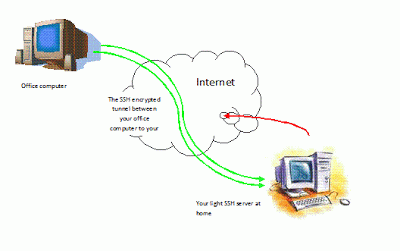
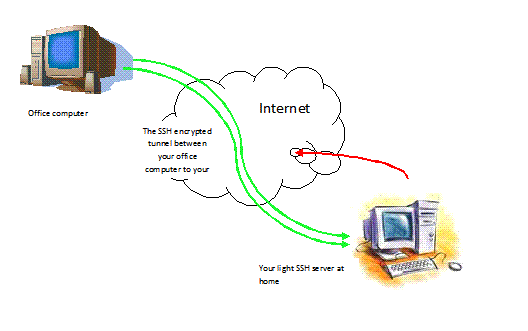
Well, as shown clearly in the picture above all that an ssh tunnel do is connect to an online ssh server that allows SSH access and
create a Tunnel between the host PC(ssh client) and server by bypassing the web
Filter.
As for the firewall, well it is the sadistic son of a b*tch that is prohibiting you from accessing facebook. As you see in the picture below.
Or, as Wikipedia defines it: a software-based or hardware-based and is used to help keep a network
secure. Its primary objective is to control the incoming and outgoing
network traffic by analyzing the data packets and determining whether it
should be allowed through or not, based on a predetermined rule set.
Now after I bored you to death with my babbling here is how you can access Facebook, Youtube, ..from your work place or school :